Real Estate Bulk Deal & Dealer Allocation System
Managing bulk deals with agencies is complex. Aiksol360 ERP automates the entire lifecycle of a 'Dealer Deal' from the initial bulk allocation (e.g., 500 Marlas) to the adjustment of individual unit sales against the dealer's security deposit.
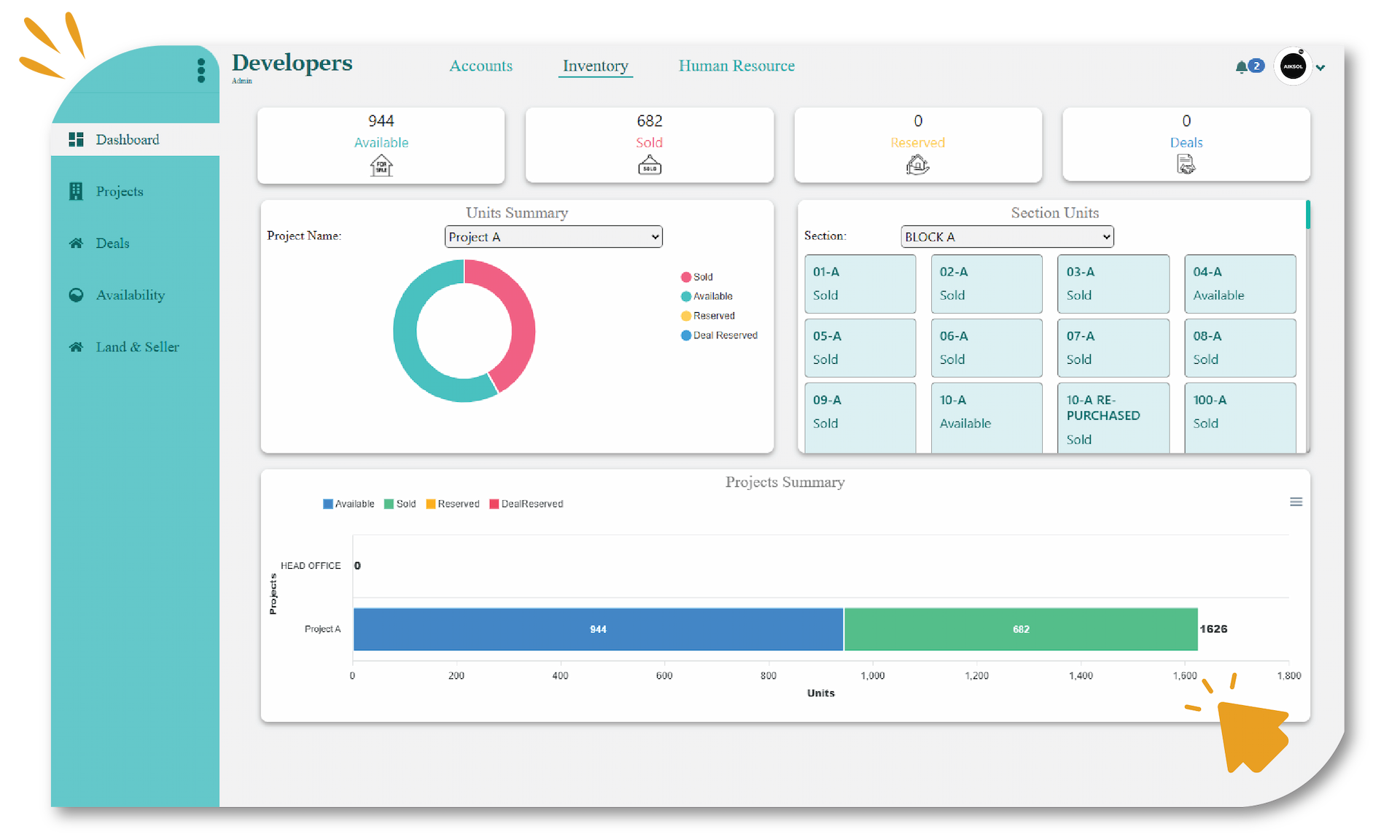
Deal Management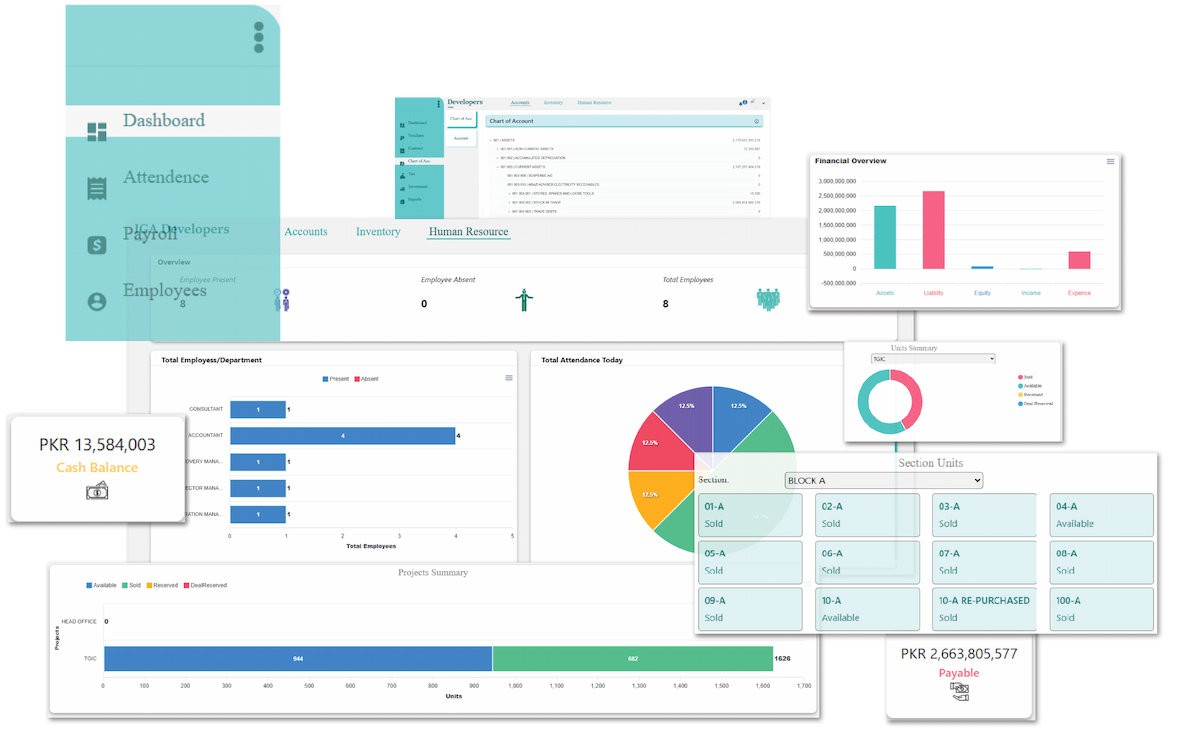
DEAL
Manage Bulk Deals & Dealer Quotas
Our system handles the sophisticated 'Three-Way Accounting' between the Developer, the Dealer, and the End Customer. It automatically adjusts the end-user's booking advance against the Dealer's bulk deposit, ensuring your ledgers remain perfectly balanced without manual journal entries.
Deal Bought (Acquisition)
Streamline your inventory intake. Record the purchase of land pockets or bulk files from the market. The system captures the total cost including land value and transfer fees, adding the new units to your master inventory.
Bulk Deal Allocation
Secure inventory for your partners. Allocate a specific bulk volume (e.g., 100 Files) to a registered Agency. The system 'Locks' this inventory for that dealer , preventing others from selling it, and records their security deposits(Advance) as a liability in your books.
Over & Above (Own) Handling
Handle the Dealer's profit transparently. If you sold to the dealer at 50 Lakh, and they sold to the client at 55 Lakh, the system records the sale price correctly. The extra 5 Lakh (collected by the dealer) is recorded via a Journal Entry that debits the Client Liability and credits the dealer Commission/Payable, keeping the cash book accurate.
Inventory Locking & Release
Prevent double-selling. Units allocated to a 'Deal' are invisible to your general sales team. If the dealer fails to sell within the agreed timeline, you can 'Release' the unsold inventory back to the general pool instantly.
Deal Performance Reports
Track deal velocity. See exactly how many units from the '500 Marla Deal' have been sold, how much of the Dealer's security deposits is remaining, and the total revenue recognized from this specific bulk allocation.
FAQs
Can I allocate specific plot numbers to a deal?
What happens if the dealer collects cash from the client?
How do I track the dealer's remaining quota?
Unlock real estate efficiency.
Free trial awaits.
Experience the power of Aiksol360 Real Estate Management Software with our free trial version.